Model
.ai
tracking open ai models

Cute Logo Maker (PsiClone's ArtForge MasterKit)


8025°
Cute Logo Maker (PsiClone's ArtForge MasterKit)
Created by
Psi_Clone
on Civitai
by Psi_Clone - the Cute Logo Maker LoRa—a versatile tool designed for creators, designers, and entrepreneurs looking to craft charming and memorable logos with ease. This LoRa specializes in generating logos that are not only visually appealing but also carry a sense of warmth and playfulness, making them perfect for brands targeting a fun, youthful, or whimsical audience. The Cute Logo Maker LoRa excels in producing logos that combine simple, clean lines with adorable, stylized illustrations, all while maintaining a strong brand identity. Whether you're designing for a pet brand, a food product, or a lifestyle company, this LoRa helps you create logos that stand out with their cute and endearing designs.
Creator notes
Please Show your love & Support if you find my resources useful - ❤ ❤ This Lora is part of my ArtForge MasterKit - Introducing the Cute Logo Maker LoRa—a versatile tool designed for creators, designers, and entrepreneurs looking to craft charming and memorable logos with ease. This LoRa specializes in generating logos that are not only visually appealing but also carry a sense of warmth and playfulness, making them perfect for brands targeting a fun, youthful, or whimsical audience. The Cute Logo Maker LoRa excels in producing logos that combine simple, clean lines with adorable, stylized illustrations, all while maintaining a strong brand identity. Whether you're designing for a pet brand, a food product, or a lifestyle company, this LoRa helps you create logos that stand out with their cute and endearing designs. Key Features: - Adorable and Playful Designs: Generate logos that feature cute characters, icons, and elements, perfect for brands that want to convey friendliness and approachability. - Versatile Applications: Ideal for a wide range of industries including food and beverage, fashion, lifestyle, and pet care. - Customizable Backgrounds: Create logos with textured or solid color backgrounds that enhance the overall appeal of the design. How to Use: Prompting Guide: 1. Basic Structure: - Brand Name: Start by specifying the brand name you want to feature in the logo (e.g., “Whisker Wishes,” “Berry Bliss”). - Logo Idea: Describe the central logo element, focusing on the key features that make it cute and memorable (e.g., “a white, stylized cat face,” “a bright red strawberry with a smiling face”). - Background Details: Include background color and texture details to ensure the logo’s visual elements stand out effectively (e.g., “a solid, dark purple background with a slight texture,” “a vibrant, solid green background with a subtle texture”). - Font and Text: Mention the font style and color for the brand name, ensuring it complements the logo design (e.g., “a delicate, lowercase script font in white,” “a bold, lowercase font in white”). 2. Advanced Prompting Tips: - Guidance Scale: Keep the guidance scale above 4 to ensure that the logo design adheres closely to your prompt, capturing the intended cuteness and simplicity without unnecessary details. - Detailed Descriptions: Provide clear and detailed descriptions of each element, including the central illustration, background, and text. This ensures the LoRa accurately captures your vision and produces a logo that aligns with your brand identity. - Color Contrast and Harmony: Pay attention to color combinations to create a visually appealing logo. Mention contrasting or complementary colors for the logo elements and background (e.g., “white cat face on a dark purple background,” “bright red strawberry with green leaves on a green background”). 3. Example Prompts: - A simple and cute logo featuring a solid, dark purple background with a slight texture. In the center, a white, stylized cat face with long, curved whiskers is drawn with minimal lines, creating a charming and playful expression. Below the cat face, the brand name 'Whisker Wishes' is written in a delicate, lowercase script font in white, contrasting beautifully against the rich purple background." - A vibrant, solid green background with a subtle texture sets the stage for a cute, stylized strawberry. The strawberry is bright red with white seeds and a small, smiling face at its center, drawn with clean lines. Below the strawberry, the brand name 'Berry Bliss' is written in a bold, lowercase font in white, creating a fresh and lively logo with strong visual appeal." Maximizing Results: Guidance Scale: For best results, maintain a guidance scale above 4 to ensure that the LoRa closely follows your prompt, delivering a logo that perfectly matches your design brief. Detailed Descriptions: Even in a minimalist and cute style, detailed descriptions of each logo element—from the main icon to the font choice—help LoRa create a cohesive and polished logo. Color and Font Harmony: Carefully select color combinations and font styles to ensure that all elements of the logo work together harmoniously. This is especially important in cute logo designs, where balance and visual appeal are key.
Trigger words
Cute Logo
2,245 downloads · 225 likes on Civitai
SHA256
E244C0064B0A58D5F71560B1DF66900977BB6D01C5AEF99190B5285E0A88BCBC
Ranking badge
Updated Oct 22, 2026
Cute Logo Maker (PsiClone's ArtForge MasterKit) on ModelTrends.ai: #95 Hottest Flux model
Made this model? Show this badge on your page.
Paste it into your Hugging Face card or Civitai description.
Also ranked: #79 Hottest Flux LoRA
Not this creator?
Cute Logo Maker (PsiClone's ArtForge MasterKit) Popularity Trend
Heat score, last 12 months
Heat score
8,025°
This week
▲
0.3%
8,026° then, 8,025° now
This month
▲
1.4%
8,030° then, 8,025° now
Past year
▲
31.4%
8,051° then, 8,025° now
Cute Logo Maker (PsiClone's ArtForge MasterKit): Heat score, last 12 months7,000°7,381°7,761°8,142°8,522°Oct 2025Dec 2025Mar 2026May 2026Aug 2026Oct 20268,025°ModelTrends.ai
7,000°
Floor
The scale runs from 0° to 9,999°. Everything below 7,000° is kept for models no source reports on yet, which carry a stand-in number there so lists stay complete. 7,000° is where measured data begins: a model with real data but almost no downloads sits at the floor, and the measurements fill the degrees above it. The floor says nothing about the model; only the degrees above it do, and they are what separates one model from another.
+1,006°
Civitai downloads
2,245 downloads of this exact version on Civitai. Downloads are the heaviest ingredient and are counted on a log scale: ten times the downloads adds the same 300°, so a model with a million downloads is not a thousand times hotter than one with a thousand. The six download sources share that one term, split between them in proportion to their counts.
+353°
Likes
225 likes and thumbs up across the sources. A like weighs half a download, on the same log scale.
−334°
Age
−334° because the Flux weights came out in 2024. Every model inherits the age of the weights it is built on: 150° a year, up to 750°, and it keeps growing until then. Without it the top of the list would be 2022 and 2023 checkpoints on the strength of downloads that had years to pile up.
Show detailed breakdown
Every number on this site can be checked. This model's heat score is 8,025°, and here it is built one ingredient at a time, with the running total after each: the floor, the degrees each source adds, the bonus for the kind of model and what the age of its weights takes away. The colors are the bands of the chart above. The glossary at the end defines every term.
  1. 1
    Start at the floor.
    Why 7,000° and not zero: the scale runs from 0° to 9,999°, and the part below 7,000° is reserved for models no source reports on yet, which carry a stand-in number there so the lists stay complete and never outrank a model with data. 7,000° is where measured data begins. A model with real data but almost no downloads sits here; everything that follows is measurement, and the room above the floor holds ten tenfold steps in downloads at 300° each. The floor is the same for every model, so it decides nothing; the degrees above it do.
    7,000°
    running total
  2. 2
    Add the downloads.
    2,245 download-equivalents in all, from Civitai downloads. Ten times the downloads adds the same 300°, so size matters but never runs away with the score.
    +1,006°
    8,006°
    running total
  3. 3
    Add the likes.
    225 likes and thumbs up, at half the weight of a download.
    +353°
    8,359°
    running total
  4. 4
    Take off the age.
    The Flux weights came out in 2024: 150° a year, up to 750°, growing until then.
    −334°
    8,025°
    running total
  5. =
    The heat score.
    Where this model stands on every list of this site. Nothing else adjusts it.
    8,025°
Glossary: the terms used here
Heat score
One number for how much a model is used and wanted right now, from 0° to 9,999°. Every list on this site that says hottest is sorted by it and nothing else.
Floor
The 7,000° every model with real data starts from. The scale runs from 0° to 9,999°; the part below the floor is reserved for stand-ins (models without data), so that a model with data always ranks above one without. The floor is the same for everyone and decides nothing; the degrees above it are the measurement.
Download-equivalents
Everything the score treats as a download, added up: downloads themselves, each torrent seeder as 1,000, each AI Horde image and each run on a generation site as one.
Log scale
Counting by tens, not by ones: going from 1,000 to 10,000 downloads adds the same degrees as going from 10,000 to 100,000. It keeps giants from crowding out everything else.
Likes
Thumbs up and likes from every source, worth half a download each on the log scale.
Adoption rate
How many downloads a day a model gets right now, from the difference between two readings of a source. A quarter of the weight of the download term.
Measured and estimated
Measured means two readings of a source exist and the difference is real. Estimated means only today's total is known and the past is spread over the model's life; the site says which one it is showing.
Seeder
Someone who keeps a copy of the weights online for others to download over a torrent, or a hosted mirror doing the same. Each one counts as 1,000 downloads.
AI Horde
A volunteer network that generates images for free on donated computers. The number of images it has made with a model is public, and each counts as one download.
Generation sites
Sites that host their own copies of a model and let people generate with it, such as PixAI, SeaArt and Yodayo. Their downloads count like Civitai's and each generation run as one download.
OpenRouter tokens
A text model served through an API, such as Claude or GPT, has no weights to download, so its usage is measured in tokens: the pieces of text it read and wrote through OpenRouter, a gateway many apps use, over the last 30 days. Every 10,000,000 tokens count as one download. Source: OpenRouter (openrouter.ai/rankings), CC BY 4.0.
Full model (checkpoint)
The weights themselves, the file that generates on its own. It gets a bonus because add-ons depend on it.
LoRA and embedding
Small add-on files that steer someone else's weights toward a style, a character or a concept. They cannot run alone.
Family and weights
The base a model is built on, such as SD 1.5, SDXL, Flux or Wan. Every model inherits the release date of its family's weights.
Age
Degrees taken off for how long ago the family's weights came out: 150° a year, up to 750°. It keeps old downloads that had years to pile up from freezing the top of the list.
Family boost
A small, bounded nudge for LoRAs of a family this site is pushing forward right now, always listed in the breakdown.
Stand-in score
A stable number below the floor given to a model no source reports on yet, so lists stay complete. It never ranks above a model with data.
New! (grace period)
A model less than 7 days old shows New! instead of a score and holds no place in the rankings. Its score is computed from day one, but a model one day old grows faster than anything, so without the wait the week's #1 would always be whatever came out yesterday rather than what held up for a week.
Trend
How a model's growth over a period compares with the typical model's growth over the same period. Faster than typical reads as a rise, slower as a fall.
Typical model
The middle of the catalog: half the models with a figure grew faster over the period, half slower.
How this model's popularity has moved against the rest of the catalog: its growth in downloads, likes and usage over each period, measured against the typical model's growth over the same period, with its heat score at the time. Above the typical growth reads as a rise, below it as a fall. The past is reconstructed from today's totals, the model's first day and its measured download speed where two readings exist; a model that did not exist at the start of a period shows n/a.
Example renders
Prompts and settings shared by the people who made these renders on Civitai. Pick a render to see how it was made.
Render by Psi_Clone on
Civitai
·
Prompt on BunchaPrompts
Flag
Settings
Sampler
Euler
Steps
36
Guidance
4.5
Seed
985282503713975
Size
1024x1024
Prompt
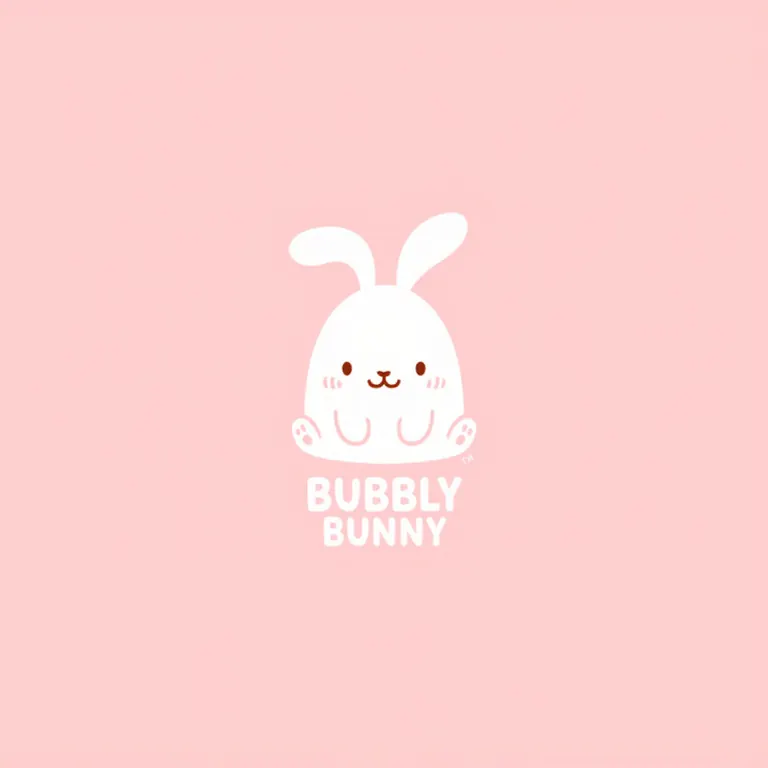
A minimalist design featuring a white, hand-drawn bunny with big, floppy ears and a small, happy smile, centered on a solid, pastel pink background with a subtle, worn texture. The bunny is stylized with clean lines, and its ears form a gentle curve above its head. Below the bunny, the word "Bubbly" is written in a playful, lowercase font, with the word "Bunny" in a matching style directly beneath it. The overall design is simple and charming, with the bunny as the focal point.
Render by Psi_Clone on
Civitai
·
Prompt on BunchaPrompts
Flag
Settings
Sampler
Euler
Steps
36
Guidance
3.5
Seed
918744143418917
Size
1024x1024
Prompt
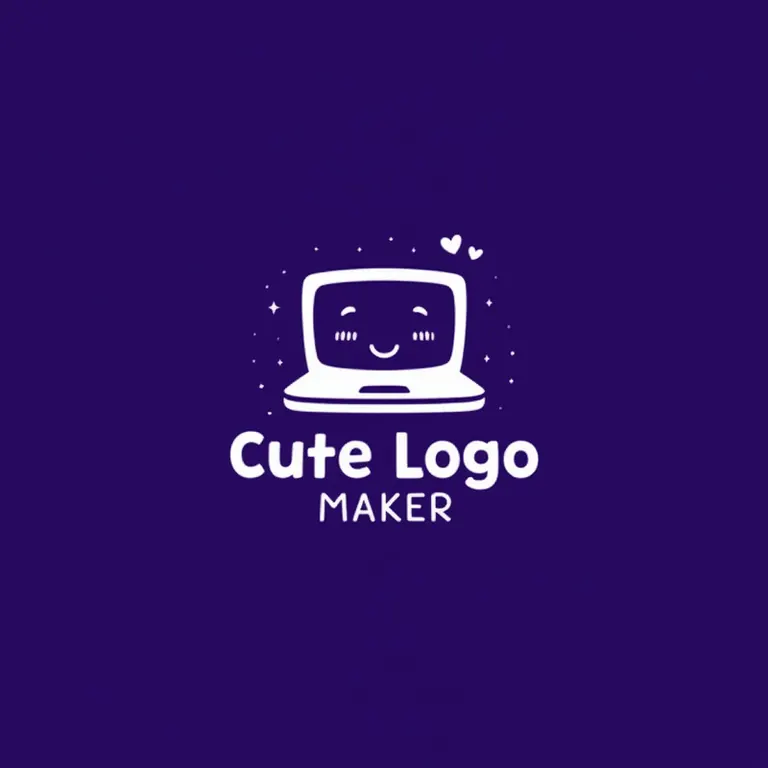
A playful logo design featuring a deep purple background with a subtle, starry texture. In the center is a white, stylized laptop with a smiling face on the screen and a small heart floating above it. The laptop is drawn with clean, rounded lines, giving it a soft and friendly appearance. Below the laptop, the words "Cute Logo Maker" are written in a whimsical, lowercase font in white, creating a fun and modern look. The logo conveys a sense of creativity and joy, perfect for a brand focused on making adorable logos.
Render by egpieper on
Civitai
·
Prompt on BunchaPrompts
Flag
Settings
Sampler
Euler
Steps
25
Guidance
3
Seed
222331386066372
Size
832x1216
Prompt
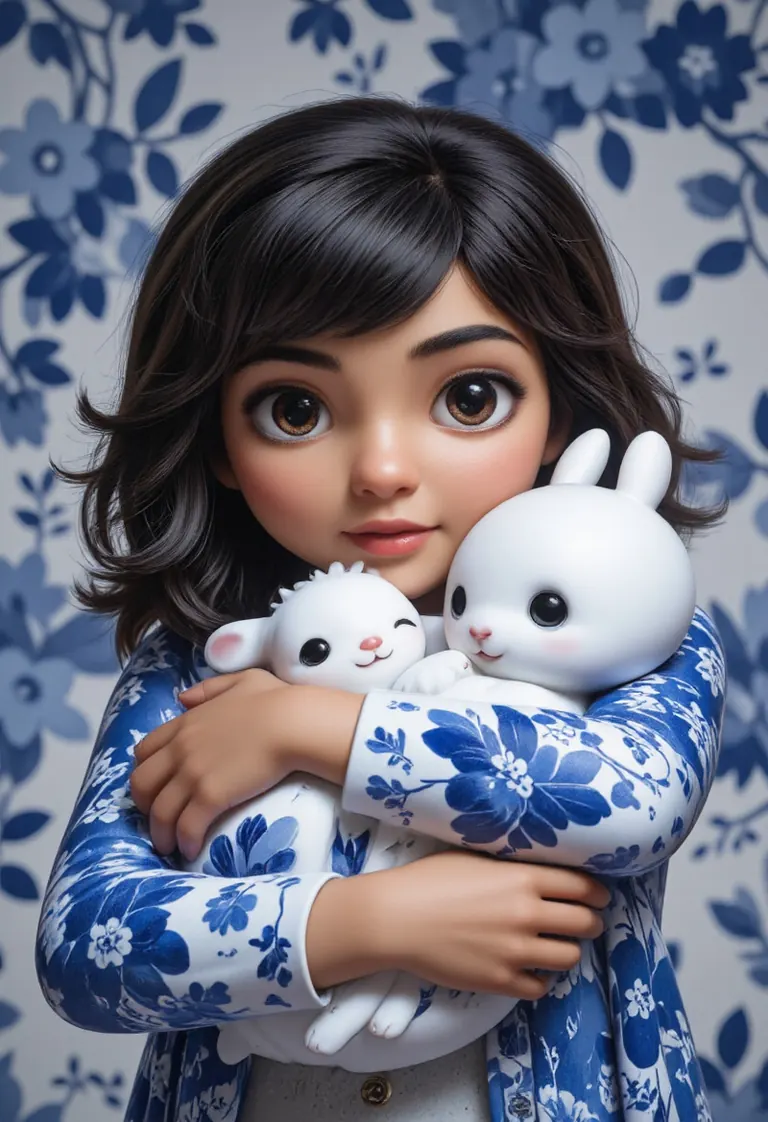
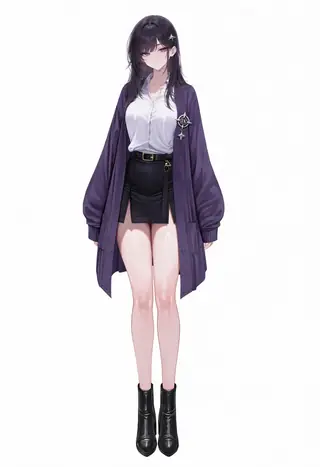
score_9, score_8_up, score_7_up, score_6_up, 1girl, rumi usagiyama, dark skinned female, hugging a white rabbit,<lora:bwporcelaincd_flux-000002:0.5>, bwporcelaincd_flux, blue and white porcelain, <lora:CTAI-Disney:0.5>, CTAI-Cute, <lora:Cute_3d_Cartoon_Flux:0.5>, <lora:CuteLogoMaker:0.5>, Cute Logo, <lora:DonM_-_Cute_Toons_Flux-000012:0.5>, <lora:flux-lora-planet:0.5>, a cute planet, <lora:Realistic_PixArt_Doodle_art_style:0.5>, <lora:zhibi_flux:0.5>, small zhibi, cute
Render by Psi_Clone on
Civitai
·
Prompt on BunchaPrompts
Flag
Settings
Sampler
Euler
Steps
36
Guidance
3.5
Seed
347936160733901
Size
1024x1024
Prompt
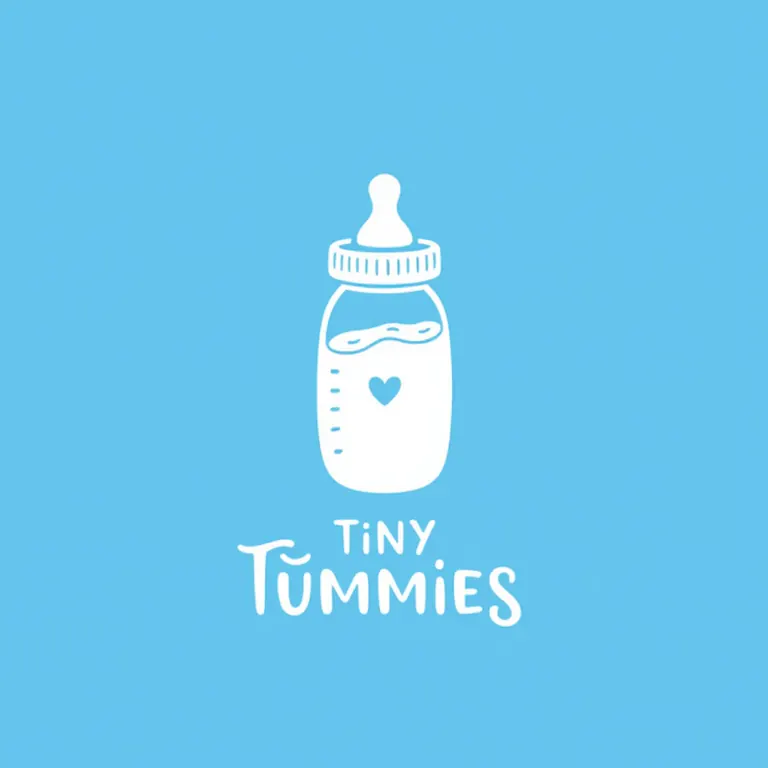
A white, hand-drawn baby bottle with a tiny heart at its center, placed on a solid, Blue background with a slight vintage texture. The bottle is stylized with simple, clean lines and minimal shading, giving it a cute and approachable look. Below the bottle, the words "Tiny Tummies" are written in a soft, playful lowercase font that matches the minimalist aesthetic. The design is focused on the baby bottle, with a clear, modern, and whimsical feel.
Run Locally
CuteLogoMaker.safetensors
292 MB · SafeTensor
Downloads are served by Civitai. Some creators ask for a Civitai login first.
Torrents
CuteLogoMaker.safetensors
292.26 MB · v1.0 · 0 seeders ·
CivitasBay
Torrents are shared peer to peer by their seeders; ModelTrends.ai hosts no files. Open the magnet link with a BitTorrent client and compare the finished file's checksum with the one on the listing.