Model
.ai
tracking open ai models

Pixel Art Diffusion XL Sprite Shaper


8570°
Pixel Art Diffusion XL Sprite Shaper
Created by
Yamer
on Civitai

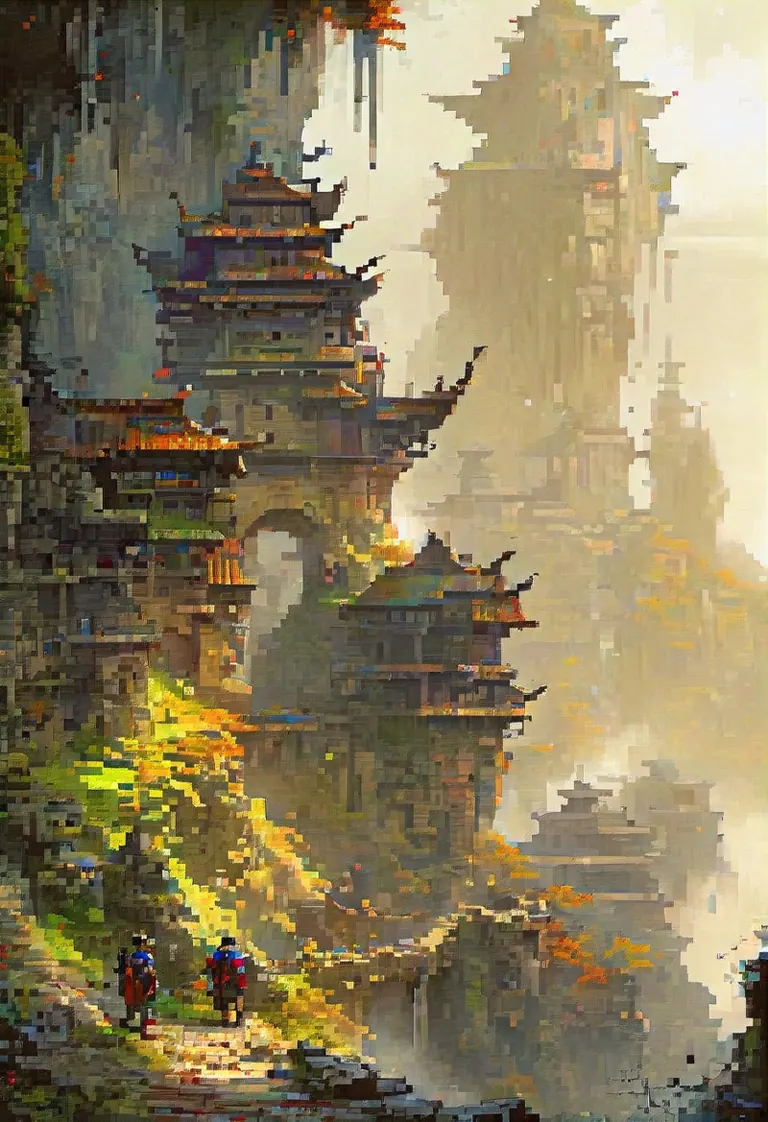
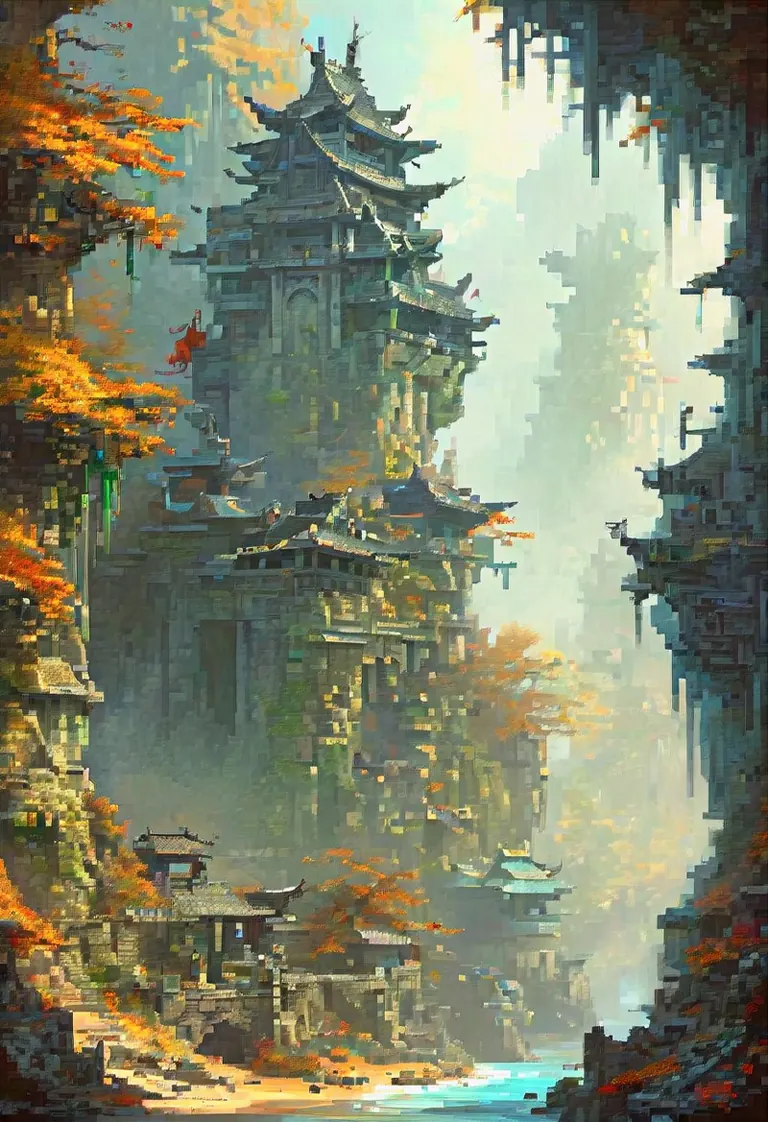
PixelShaper by Yamer is a 20% merge from HuskyAI's pixel art model. This Pixel Art Diffusion is a dedicated checkpoint designed for creating pixel art style images. It has the capability to generate a wide variety of images in the pixel art style, allowing users to produce beautiful and creative artworks. While it may not focus on generating perfectly shaped pixels, it excels in delivering images with the distinctive pixel art style, offering advantages such as vibrant color saturation and the convenience of shorter prompts. You have total freedom over what this checkpoint can create, use it…PixelShaper by Yamer is a 20% merge from HuskyAI's pixel art model. This Pixel Art Diffusion is a dedicated checkpoint designed for creating pixel art style images. It has the capability to generate a wide variety of images in the pixel art style, allowing users to produce beautiful and creative artworks. While it may not focus on generating perfectly shaped pixels, it excels in delivering images with the distinctive pixel art style, offering advantages such as vibrant color saturation and the convenience of shorter prompts. You have total freedom over what this checkpoint can create, use it to generate videos or game assets or even to explore a new style. How To Use: This checkpoint can be hard to use when generating images without knowing how to get the best images with it, here is a simple list of things to follow to generate beautiful art: Keep the prompt simple, don't use extremely long prompts, focus on what you need Use "Pixel Art" at the start or in the beginning part of the prompt, this way you can be sure to achive a pixel art type of image Use words such as 16 bit, 32 and 64 bit to help the checkpoint understand the style if you are having a hard time getting pixel art When upscaling remember to use very low Denoise Strength values, don't go above 0.25 or else the image will start to distort It's preferrable if you don't use words that imply a style that is very different from pixel art, especially in the beginning part of the prompt, prompts such as: realistic, Ph

Creator notes
For business inquires, commercial licensing, consultation and large scale image captioning for datasets contact me under , for custom LoRAs visit my . Follow me on Twitter: Discord: yamer_ai If you have enjoyed this checkpoint: --> REDESTRIBUTION OF THIS MODEL TO PLATFORMS OUTSIDE CIVITAI AND SELLING IMAGES WITHOUT MY WRITTEN CONSENT IS FORBIDDEN! <--- You can contact me on Discord: (yamer_ai), Twitter: , email: or directly using the Civitai chat system for my approval. Pixel Art Diffusion is a dedicated checkpoint designed for creating pixel art style images. It has the capability to generate a wide variety of images in the pixel art style, allowing users to produce beautiful and creative artworks. While it may not focus on generating perfectly shaped pixels, it excels in delivering images with the distinctive pixel art style, offering advantages such as vibrant color saturation and the convenience of shorter prompts. You have total freedom over what this checkpoint can create, use it to generate videos or game assets or even to explore a new style. The VAE has been already baked in. How To Use: This checkpoint can be hard to use when generating images without knowing how to get the best images with it, here is a simple list of things to follow to generate beautiful art: - Keep the prompt simple, don't use extremely long prompts, focus on what you need - Use "Pixel Art" at the start or in the beginning part of the prompt, this way you can be sure to achive a pixel art type of image - Use words such as 16 bit, 32 and 64 bit to help the checkpoint understand the style if you are having a hard time getting pixel art - When upscaling remember to use very low Denoise Strength values, don't go above 0.25 or else the image will start to distort - It's preferrable if you don't use words that imply a style that is very different from pixel art, especially in the beginning part of the prompt, prompts such as: realistic, Photography and hyper detailed may damage the pixel art aesthetic, use those only in the last parts of a prompt (if you want to use them at all) - Keep in mind this is not a perfect pixel art image creator, images generated won't necessarily have pixel perfect squares, square may vary slightly in size - Use CFG values between 4 and 12 this way the model is more stable and can generate images better - Pay attention to the LoRAs you are using, some may completely remove the pixel art style from the image What Are The Best Uses? You have the freedom to create what you prefer, here are some fields where this checkpoint is best used: - Game design, generate images to use as inspiration for sprites in video games, tools, potions, armors and everything else you need for a pixelated game adventure - Profile pictures, use it to generate your very own and unique profile picture for all social media platforms - Commercial use, interested in using this for your next game/AI related projects? Contact me on my mail () - Learning tool, learn how to make pixel art by generating images with this checkpoint and trying to remake it using external drawing software - Animations, generate videos with the pixel art aesthetic, this checkpoint can handle animations, see some examples made by RAMTHURST in the gallery below - Experimentation, have fun and make something really unique with it, share with friends and enjoy what you create Creator Note: Hi, I'm an Italian creator, I love AI and share what I create with others to spread the joy of using AI. I craft checkpoints, LoRAs and prompts that anyone can use to generate their own art and share it. My ultimate aim is to be a good creator, sharing the models I create as a hobby with others and see other create ever better creations than the ones I upload. The primary objective of this checkpoint is to excel in crafting pixel art at the highest capability achievable by SDXL. Future updates aim to enhance the style, making it even more refined and stable. Delve into the realm of AI-generated art with a pixel art aesthetic, and share your thoughts in the comments below. Don't forget to provide a review and share your pixelated creations for inclusion in the gallery! Unleash your creativity in the realm of 16-bit wonders and enjoy the process! 🤯 P͓̽e͓̽r͓̽s͓̽o͓̽n͓̽a͓̽l͓̽ ͓̽R͓̽a͓̽t͓̽i͓̽n͓̽g͓̽:͓̽ - Quality: 9.5/10 - Stability (Variety): 6/10, the lower = the more variety with one prompt - Style Flexibility: 3/10 - CFG resistance: 12/30 - Style strength: 9/10 - Image Stability: 9.5/10 (how much the image looks cohesive to the human eye) Recommended Settings: Image Quality: 1024x1024 (Standard for SDXL), 768x1024 (Used in the showcase) 16:9, 4:3, 6:13 Steps: 30-50 - Hires Upscaler: 4x_foolhardy_Remacri or 4xUltraSharp - Hires upscale: The only limit is your GPU (I upscale 1,5 times the base image, 576x1024) - VAE: 𝓥𝓮𝓻𝓼𝓲𝓸𝓷 2 𝓤𝓹𝓭𝓪𝓽𝓮 𝓝𝓸𝓽𝓮: The new version uses checkpoint made by . V2 has also been trained on more images and the pixel shape quality has been improved. Overall detail of the generated image is better in V2. To achieve a specific nsfw result I recommend to use a SDXL LoRA, this checkpoint can handle nsfw prompts but it is not a nsfw focused model, keep in mind that a SD 1.5 LoRA doesn't work with a SDXL models. 1) Perfect for pixel creatures, gotta generate'em all 2) Imagination is the first ingredient of AI 3) Think outside the hypercube! -Yamer Grimlock
Trigger words
pixel art
64 bit
32 bit
16 bit
27,736 downloads · 1,844 likes on Civitai
SHA256
7ADFFA28D4003A773C2D4E5F10AE1BA63C33573967864A7F9A4A3BE9C9F04A93
Ranking badge
Updated Oct 22, 2026
Pixel Art Diffusion XL Sprite Shaper on ModelTrends.ai: #25 Hottest Stable Diffusion XL 1.0 model
Made this model? Show this badge on your page.
Paste it into your Hugging Face card or Civitai description.
Also ranked: #145 Hottest AI model · #16 Hottest Stable Diffusion XL 1.0 base model
Not this creator?
Pixel Art Diffusion XL Sprite Shaper Popularity Trend
Heat score, last 12 months
Heat score
8,570°
This week
▼
0.4%
8,572° then, 8,570° now
This month
▼
1.6%
8,581° then, 8,570° now
Past year
▼
19.5%
8,692° then, 8,570° now
Pixel Art Diffusion XL Sprite Shaper: Heat score, last 12 months7,000°7,579°8,158°8,736°9,315°Oct 2025Dec 2025Mar 2026May 2026Aug 2026Oct 20268,570°ModelTrends.ai
7,000°
Floor
The scale runs from 0° to 9,999°. Everything below 7,000° is kept for models no source reports on yet, which carry a stand-in number there so lists stay complete. 7,000° is where measured data begins: a model with real data but almost no downloads sits at the floor, and the measurements fill the degrees above it. The floor says nothing about the model; only the degrees above it do, and they are what separates one model from another.
+1,353°
Civitai downloads
27,736 downloads of this exact version on Civitai. Downloads are the heaviest ingredient and are counted on a log scale: ten times the downloads adds the same 300°, so a model with a million downloads is not a thousand times hotter than one with a thousand. The six download sources share that one term, split between them in proportion to their counts.
+490°
Likes
1,844 likes and thumbs up across the sources. A like weighs half a download, on the same log scale.
+74°
Adoption rate
About 9 downloads a day, measured between two readings of the sources, never guessed from a lifetime average. Speed weighs a quarter of the download term, so a fresh surge shows without letting a one-day spike outrank years of use.
+150°
Full model
+150° because this is a full model: a checkpoint, the weights themselves. A LoRA or an embedding is an add-on to someone else's weights and does not outrank a checkpoint of equal popularity.
−497°
Age
−497° because the SDXL weights came out in 2023. Every model inherits the age of the weights it is built on: 150° a year, up to 750°, and it keeps growing until then. Without it the top of the list would be 2022 and 2023 checkpoints on the strength of downloads that had years to pile up.
Show detailed breakdown
Every number on this site can be checked. This model's heat score is 8,570°, and here it is built one ingredient at a time, with the running total after each: the floor, the degrees each source adds, the bonus for the kind of model and what the age of its weights takes away. The colors are the bands of the chart above. The glossary at the end defines every term.
  1. 1
    Start at the floor.
    Why 7,000° and not zero: the scale runs from 0° to 9,999°, and the part below 7,000° is reserved for models no source reports on yet, which carry a stand-in number there so the lists stay complete and never outrank a model with data. 7,000° is where measured data begins. A model with real data but almost no downloads sits here; everything that follows is measurement, and the room above the floor holds ten tenfold steps in downloads at 300° each. The floor is the same for every model, so it decides nothing; the degrees above it do.
    7,000°
    running total
  2. 2
    Add the downloads.
    27,736 download-equivalents in all, from Civitai downloads. Ten times the downloads adds the same 300°, so size matters but never runs away with the score.
    +1,353°
    8,353°
    running total
  3. 3
    Add the likes.
    1,844 likes and thumbs up, at half the weight of a download.
    +490°
    8,843°
    running total
  4. 4
    Add the adoption rate.
    About 9 downloads a day right now, measured between two readings, at a quarter of the weight.
    +74°
    8,917°
    running total
  5. 5
    Bonus for a full model.
    A checkpoint carries the weights themselves; add-ons do not outrank one of equal popularity.
    +150°
    9,067°
    running total
  6. 6
    Take off the age.
    The SDXL weights came out in 2023: 150° a year, up to 750°, growing until then.
    −497°
    8,570°
    running total
  7. =
    The heat score.
    Where this model stands on every list of this site. Nothing else adjusts it.
    8,570°
Glossary: the terms used here
Heat score
One number for how much a model is used and wanted right now, from 0° to 9,999°. Every list on this site that says hottest is sorted by it and nothing else.
Floor
The 7,000° every model with real data starts from. The scale runs from 0° to 9,999°; the part below the floor is reserved for stand-ins (models without data), so that a model with data always ranks above one without. The floor is the same for everyone and decides nothing; the degrees above it are the measurement.
Download-equivalents
Everything the score treats as a download, added up: downloads themselves, each torrent seeder as 1,000, each AI Horde image and each run on a generation site as one.
Log scale
Counting by tens, not by ones: going from 1,000 to 10,000 downloads adds the same degrees as going from 10,000 to 100,000. It keeps giants from crowding out everything else.
Likes
Thumbs up and likes from every source, worth half a download each on the log scale.
Adoption rate
How many downloads a day a model gets right now, from the difference between two readings of a source. A quarter of the weight of the download term.
Measured and estimated
Measured means two readings of a source exist and the difference is real. Estimated means only today's total is known and the past is spread over the model's life; the site says which one it is showing.
Seeder
Someone who keeps a copy of the weights online for others to download over a torrent, or a hosted mirror doing the same. Each one counts as 1,000 downloads.
AI Horde
A volunteer network that generates images for free on donated computers. The number of images it has made with a model is public, and each counts as one download.
Generation sites
Sites that host their own copies of a model and let people generate with it, such as PixAI, SeaArt and Yodayo. Their downloads count like Civitai's and each generation run as one download.
OpenRouter tokens
A text model served through an API, such as Claude or GPT, has no weights to download, so its usage is measured in tokens: the pieces of text it read and wrote through OpenRouter, a gateway many apps use, over the last 30 days. Every 10,000,000 tokens count as one download. Source: OpenRouter (openrouter.ai/rankings), CC BY 4.0.
Full model (checkpoint)
The weights themselves, the file that generates on its own. It gets a bonus because add-ons depend on it.
LoRA and embedding
Small add-on files that steer someone else's weights toward a style, a character or a concept. They cannot run alone.
Family and weights
The base a model is built on, such as SD 1.5, SDXL, Flux or Wan. Every model inherits the release date of its family's weights.
Age
Degrees taken off for how long ago the family's weights came out: 150° a year, up to 750°. It keeps old downloads that had years to pile up from freezing the top of the list.
Family boost
A small, bounded nudge for LoRAs of a family this site is pushing forward right now, always listed in the breakdown.
Stand-in score
A stable number below the floor given to a model no source reports on yet, so lists stay complete. It never ranks above a model with data.
New! (grace period)
A model less than 7 days old shows New! instead of a score and holds no place in the rankings. Its score is computed from day one, but a model one day old grows faster than anything, so without the wait the week's #1 would always be whatever came out yesterday rather than what held up for a week.
Trend
How a model's growth over a period compares with the typical model's growth over the same period. Faster than typical reads as a rise, slower as a fall.
Typical model
The middle of the catalog: half the models with a figure grew faster over the period, half slower.
How this model's popularity has moved against the rest of the catalog: its growth in downloads, likes and usage over each period, measured against the typical model's growth over the same period, with its heat score at the time. Above the typical growth reads as a rise, below it as a fall. The past is reconstructed from today's totals, the model's first day and its measured download speed where two readings exist; a model that did not exist at the start of a period shows n/a.
Example renders
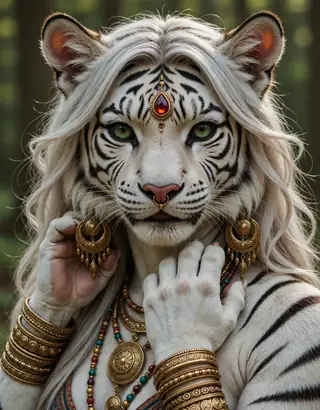
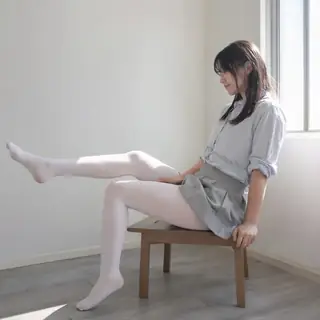
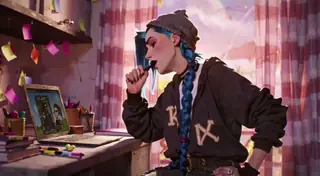
Prompts and settings shared by the people who made these renders on Civitai. Pick a render to see how it was made.
Render by misslecommand on
Civitai
·
Prompt on BunchaPrompts
Flag
Settings
Sampler
Euler a
Steps
20
Guidance
8
Seed
4
Size
1024x1024
Clip skip
2
Prompt
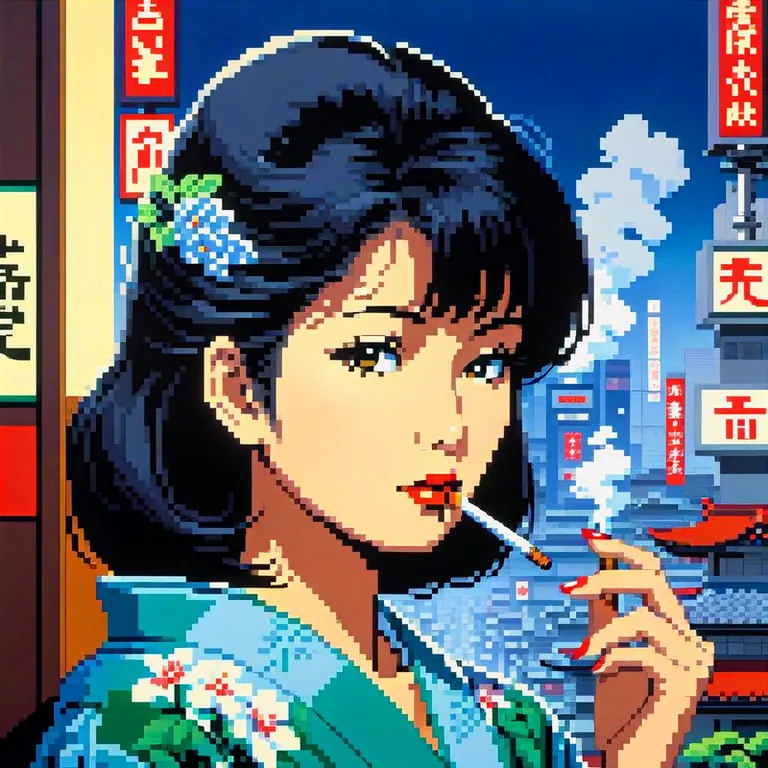
hiroshi_nagai, japanese lady smoking overlooking city, pixel
Negative prompt
bad quality, bad anatomy, worst quality, low quality, low resolution, extra fingers, blur, blurry, ugly, wrong proportions, watermark, image artifacts, lowres, ugly, jpeg artifacts, deformed, noisy image
Render by napo2k on
Civitai
·
Prompt on BunchaPrompts
Flag
Settings
Sampler
DPM++ 2M Karras
Steps
20
Guidance
3.5
Seed
2087253762
Size
832x1216
Clip skip
2
Prompt
fantasy illustration by John Howe, Akira Toriyama, hyperdetailed, hyper quality, artstation winning award, bright highlights, deep shadows
Settings
Sampler
DPM++ 2M Karras
Steps
20
Guidance
3.5
Seed
2087253764
Size
832x1216
Clip skip
2
Prompt
fantasy illustration by John Howe, Akira Toriyama, hyperdetailed, hyper quality, artstation winning award, bright highlights, deep shadows
Render by Yamer on
Civitai
·
Prompt on BunchaPrompts
Flag
Settings
Sampler
Euler a
Steps
40
Guidance
6
Seed
2733400127
Size
576x1024
Prompt
female, red under eye, under eye makeup, white eyes, white eyes, white eyelashes, blue hair, blue hair, flowing hair, flowing hair, glowing hair, glowing hair, while sharks, whale sharks, underwater, underwater, stoic face, calm face, beautiful, pretty, white dress, white dress, flowing dress, stars, stars in hair, pretty, shaded, glowing, glowing beautiful shading, glowing, under water, floating, floating
Negative prompt
bad quality, bad anatomy, worst quality, low quality, low resolution, extra fingers, blur, blurry, ugly, wrong proportions, watermark, image artifacts, lowres, jpeg artifacts, deformed, noisy image, deformation, corrupt image
Render by sg_maint on
Civitai
·
Prompt on BunchaPrompts
Flag
Settings
Sampler
DPM++ 2M Karras
Steps
30
Guidance
7
Seed
376658587
Size
832x1216
Clip skip
2
Prompt
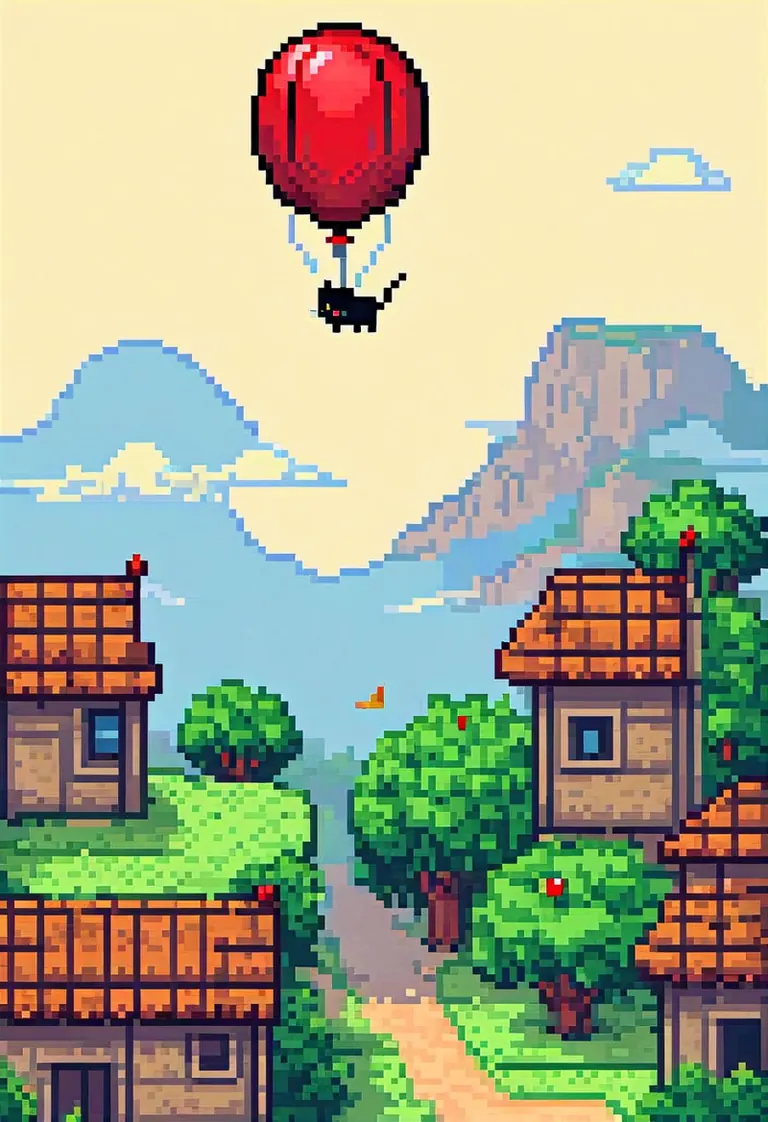
pixel art, 64, cat in a basket being flown by a red balloon, sleeping, peaceful, comic style, adventure
Negative prompt
score_5, score_4, watermark, signature, artist name, 3d, muscular, cum,
Render by Hero80 on
Civitai
·
Prompt on BunchaPrompts
Flag
Settings
Sampler
Euler a
Steps
40
Guidance
4
Seed
1747542464
Size
1024x1024
Clip skip
2
Prompt
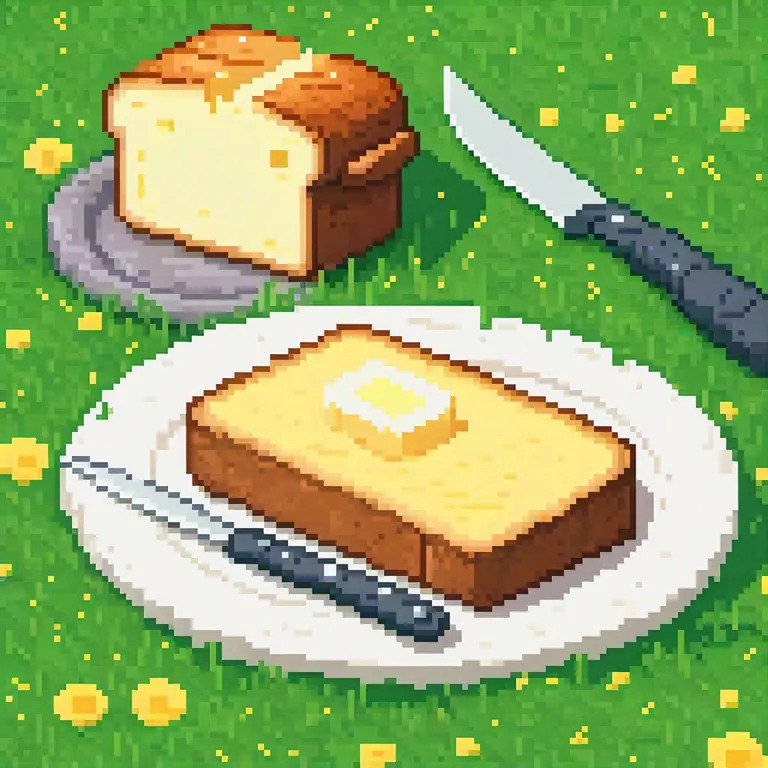
A fancy pixel art butter in grass with knife and toasted bred beside. The dish is white and simple
Render by John_KSampler on
Civitai
·
Prompt on BunchaPrompts
Flag
Settings
Sampler
DPM++ 2M Karras
Steps
23
Guidance
7
Seed
1351013523
Size
1024x1024
Clip skip
2
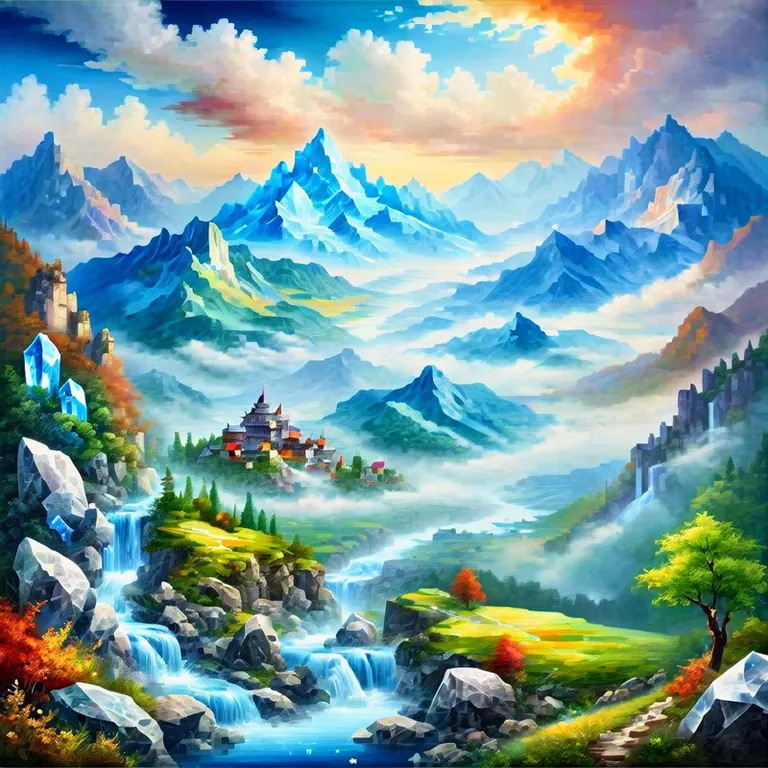
Prompt
masterpiece, best quality, absurdres, year 2023, ((landscape made of crystal)), mountains, river, valley, clouds
Negative prompt
lowres, (bad), bad anatomy, bad hands, extra digits, multiple views,fewer, extra, missing, text, error, worst quality, jpeg artifacts, low quality, watermark, unfinished, displeasing, oldest, early,chromatic aberration, signature,artistic error, username, scan,clone
Render by Yamer on
Civitai
·
Prompt on BunchaPrompts
Flag
Settings
Sampler
Euler a
Steps
40
Guidance
6
Seed
2142381647
Size
576x1024
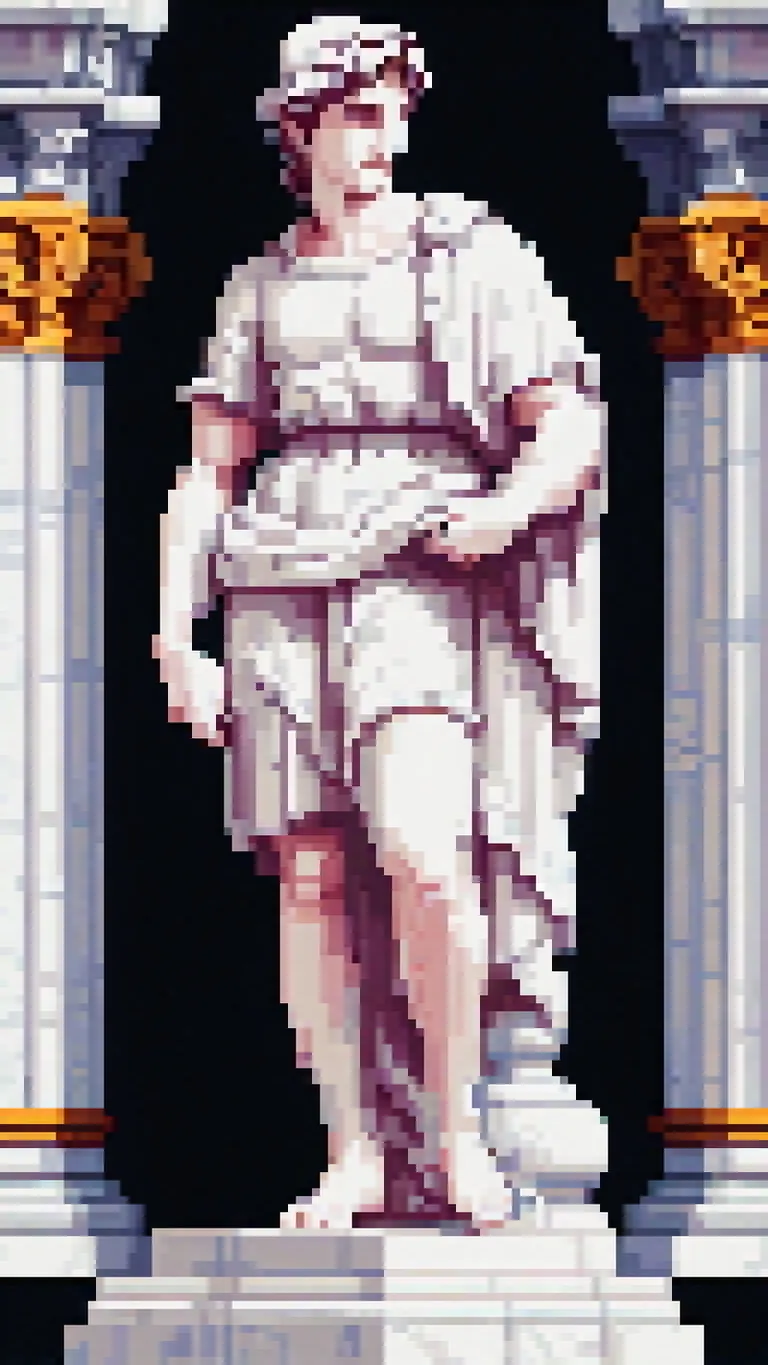
Prompt
pixel art, 32 bit, a renaissance style (statue) carved out of white marble, David statue
Negative prompt
bad quality, bad anatomy, worst quality, low quality, low resolution, extra fingers, blur, blurry, ugly, wrong proportions, watermark, image artifacts, lowres, jpeg artifacts, deformed, noisy image, deformation, corrupt image
Run Locally
pixelArtDiffusionXL_spriteShaper.safetensors
6.46 GB · SafeTensor · fp16 · pruned
Downloads are served by Civitai. Some creators ask for a Civitai login first.